 Run 2
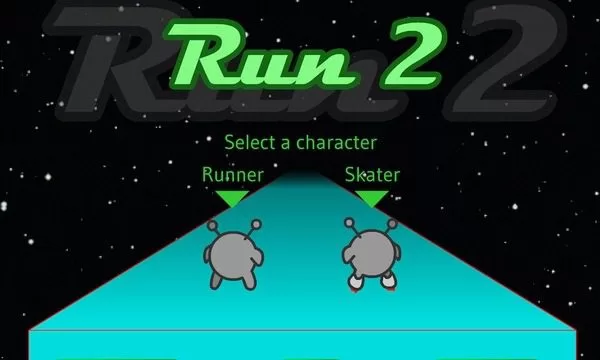
Run 2Sprint through floating space tunnels and flip gravity to survive in Run 2. Choose the Runner or Skater to conquer this classic 3D unblocked platformer.
Run 2 Unblocked








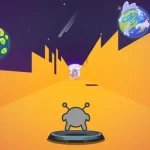




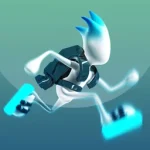





Run 2 drops you into a seemingly endless series of floating obstacle courses in deep space. As you sprint forward automatically, your only goals are to jump over gaps and avoid falling into the void. The twist that makes the game so addictive is the gravity mechanic: if you steer into a wall, the entire world rotates, making that wall the new floor and opening up completely different paths to the finish line.
You can choose between two characters, each offering a distinct playstyle. The Runner is perfect for beginners, offering precise controls and predictable jumps. The Skater moves much faster and can cover longer distances in the air, but the slippery momentum makes tight platforming significantly harder. Memorizing the layouts and figuring out the optimal gravity shifts is the only way to beat the later, more chaotic levels.
Controls
- Arrow Keys or WASD: Move left, right, and jump.
- Spacebar: Jump (can also be used instead of Up arrow).
- P: Pause the game.
- R: Reset the current level if you get stuck.
Tips that actually help
- Plan your gravity flips: Don’t just stay on one plane. Sometimes the easiest path is on the ceiling or the side wall. Look ahead and shift early.
- Master the Skater’s momentum: When using the Skater, remember that you drift after releasing the movement keys. Try to line up your trajectory before you even hit the jump button.
- Short hops vs long jumps: The longer you hold the jump key, the higher and further you go. Tap it lightly for quick hops over small gaps to stay grounded and in control.
Whether you’re trying to speedrun every level or just killing time between classes, Run 2 offers a pure, challenging platforming experience that still holds up perfectly.